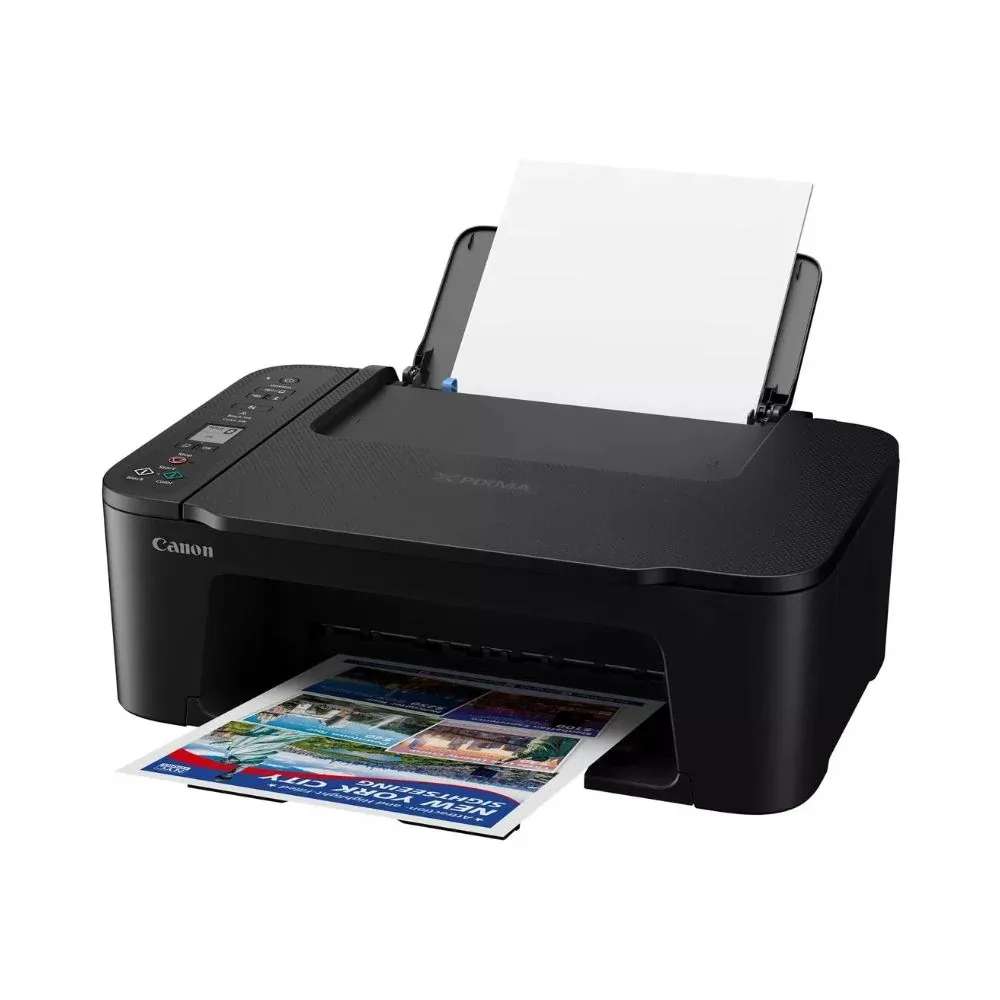
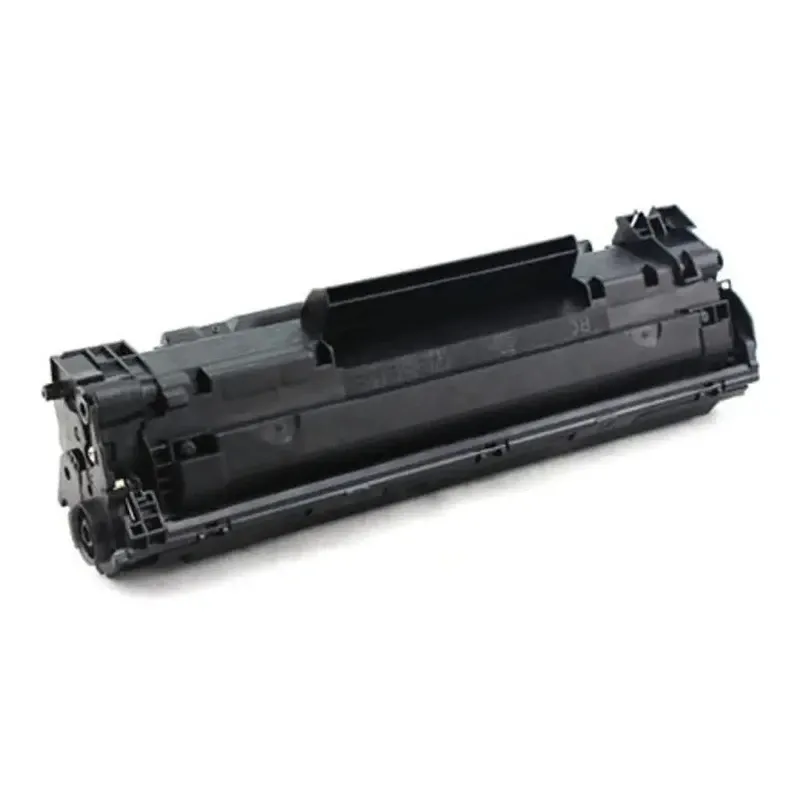
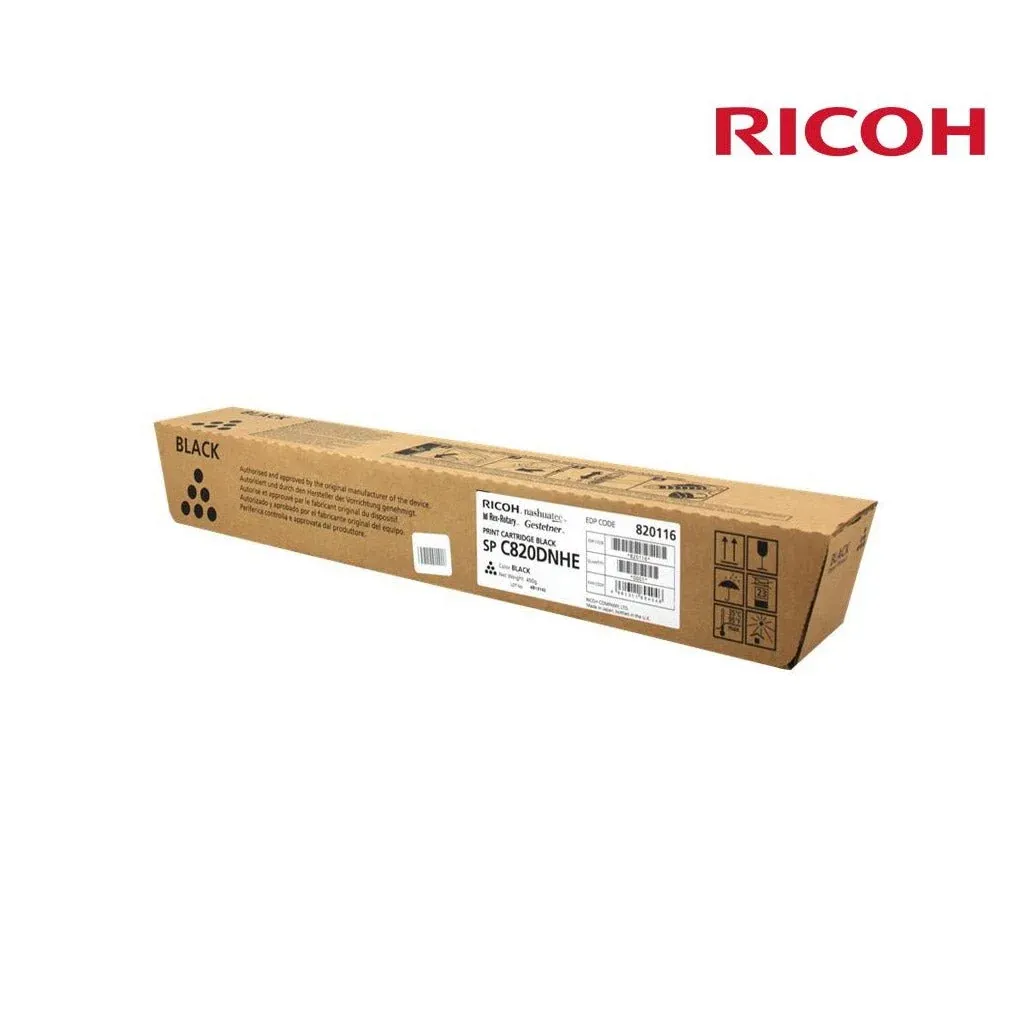
CANON INKJET PRINTER TS3640 Printer-Scanner-Copier, wi-fi, cloud = INK CL446,PGI445 CANON INKJET PRINTER TS3640 Printer-Scanner-Copier, wi-fi, cloud,mac, = INK CL446,PGI445 Modern, Simple, and Connected: Why the Canon PIXMA TS3640 is the Perfect Home All-in-One In a world where we do almost everything from our smartphones, our printers need to keep up. If you are looking for an affordable home printer that doesn't require a computer science degree to operate, the Canon PIXMA TS3640 (part of the TS3400 series) is designed for you. It strikes the perfect balance between high-quality photo printing and effortless wireless connectivity. Here is why the TS3640 is a top choice for modern households and students. 1. Setup Made Simple The "TS" in Canon’s lineup stands for "Touch and Scan," but it could just as easily stand for "Truly Simple." Wireless Connect Button: With a dedicated one-touch button, you can link the printer to your home Wi-Fi network in minutes. Status at a Glance: Unlike many budget printers, the TS3640 features a 1.5-inch mono segment LCD screen . It clearly shows your Wi-Fi status, paper size, and ink levels, so you’re never left guessing. 2. Print from Your Phone, Not Your Desk The TS3640 is built for a mobile-first world. You can print, scan, and copy without ever touching a USB cable: Canon PRINT App: Use the app to print documents from your phone or scan photos directly to your mobile device. Cloud Compatibility: It works seamlessly with PIXMA Cloud Link , allowing you to print directly from Instagram, Facebook, Google Drive, and Dropbox. Apple AirPrint & Mopria: Whether you use an iPhone or an Android device, the TS3640 is ready to print with zero extra drivers needed. 3. Sharp Text and Vivid Photos Canon’s FINE Cartridge system ensures that you don’t have to sacrifice quality for a low price point. Hybrid Ink System: It uses pigment black ink for sharp, smudge-proof text and dye-based color inks for vibrant photos. Borderless Printing: Want to print physical copies of your vacation photos? The TS3640 can print borderless photos up to 5x7 inches in size, giving them a professional, lab-quality look. 4. Smart Energy and Space Saving The TS3640 is designed to be "invisible" until you need it. Compact Footprint: Its textured, durable surface is scratch-resistant and compact enough to fit on a small shelf or nightstand. Auto Power On/Off: The printer wakes up automatically when you send a print job from your phone and shuts itself down when not in use to save on your electricity bill. 5. Cost-Effective XL Options To help you save on running costs, the TS3640 is compatible with optional XL ink cartridges . These high-capacity cartridges allow you to print significantly more pages between changes, lowering your overall cost per page. The Verdict The Canon PIXMA TS3640 is the ultimate entry-level printer for the digital age. It’s affordable, easy to maintain, and—most importantly—it works wirelessly with all the devices you already use every day.
No questions yet — ask the first one.
Sign in after purchasing to rate and review this product.
Sign In